 AES-256-GCM Encrypted Vault Offline-First Local Storage Biometric & PIN Protection
The secure password manager built for privacy-first mobile users
Privacy-First Password Management for Mobile
Encrypted On-Device Storage
Sensitive credentials are encrypted before local storage using AES-256-GCM encryption and secure key handling.
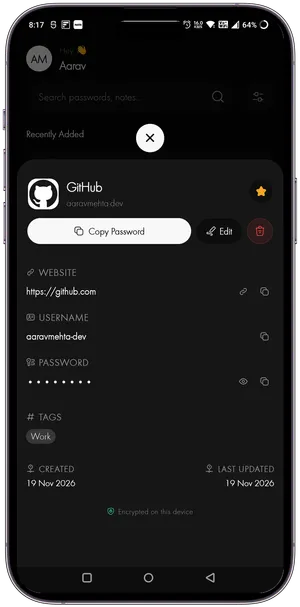
Offline-First Architecture
Access your vault anytime without depending on internet connectivity. No cloud sync required — your data stays on your device.
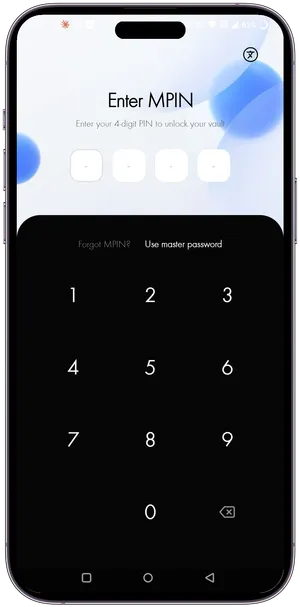
Biometric Unlock
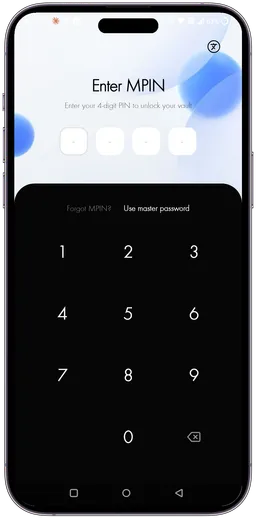
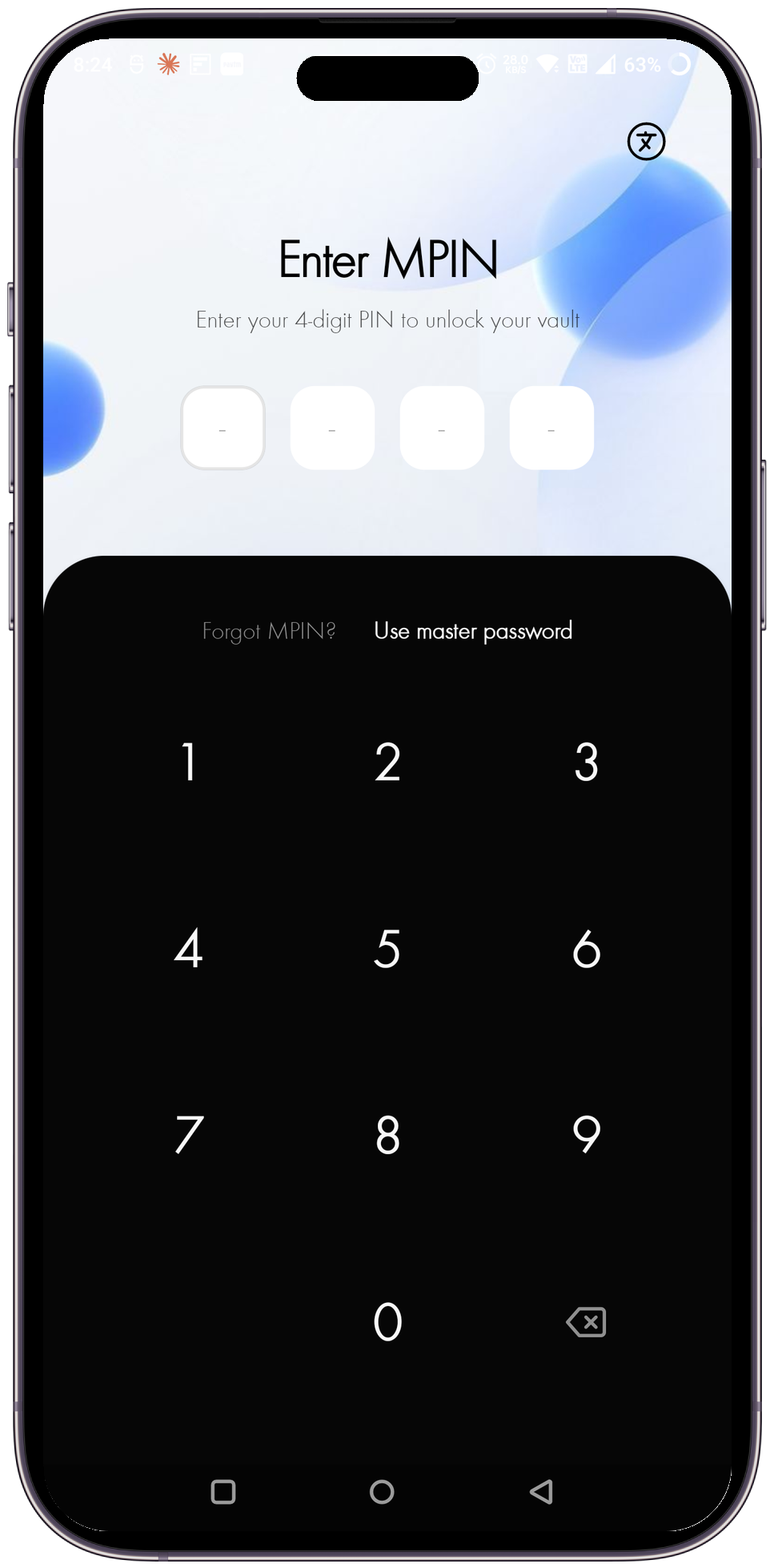
Unlock your vault securely using fingerprint or Face ID authentication, backed by PIN protection for fast and secure access.
Store Passwords Securely with AES-256 Encryption
Fully Secured
Sensitive vault data is encrypted locally using modern encryption standards and protected device storage.
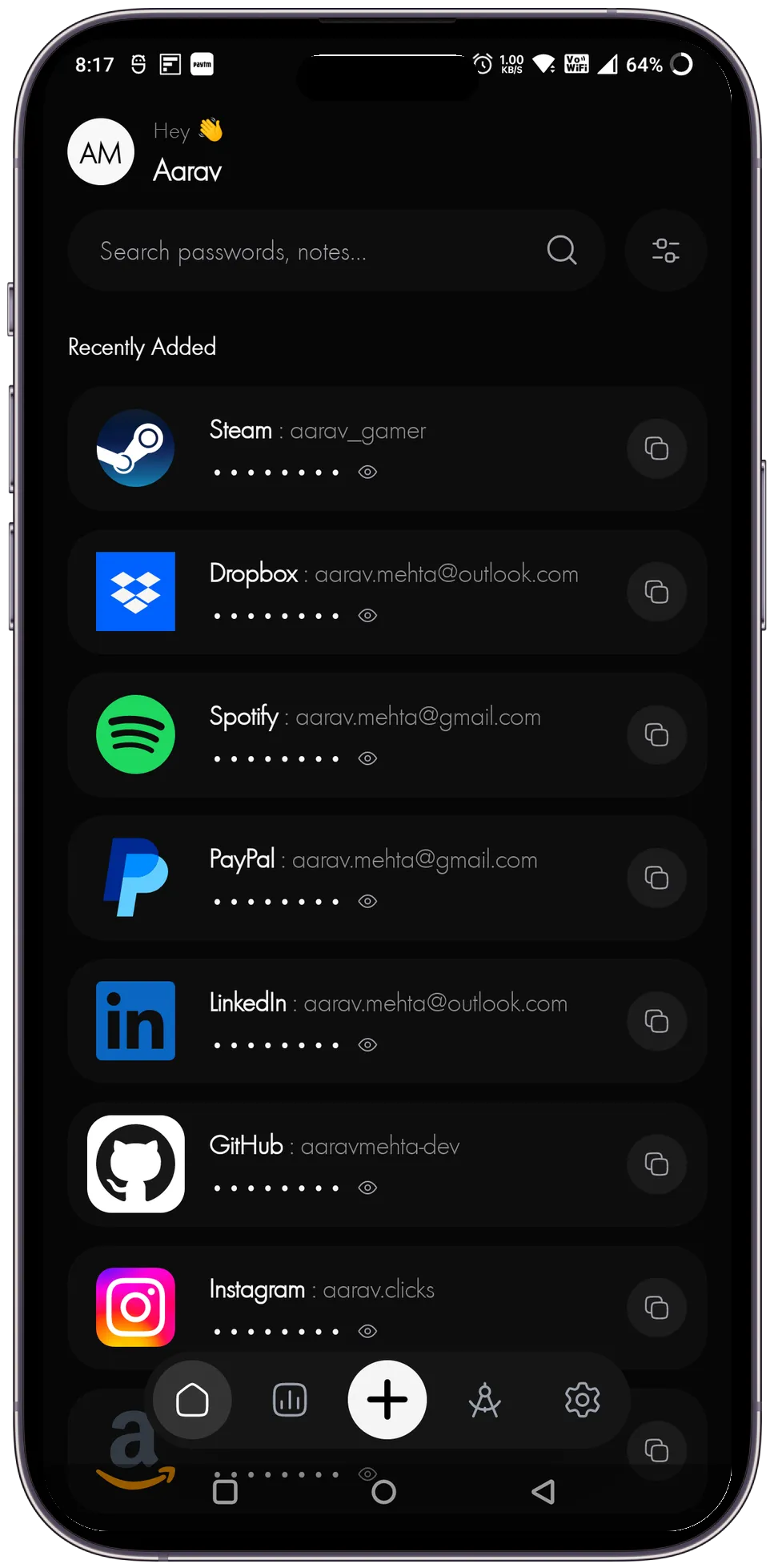
Universal Compatibility
Autofill credentials instantly across your favorite mobile browsers, native applications, and secure portals.


















Easy Vault Manager
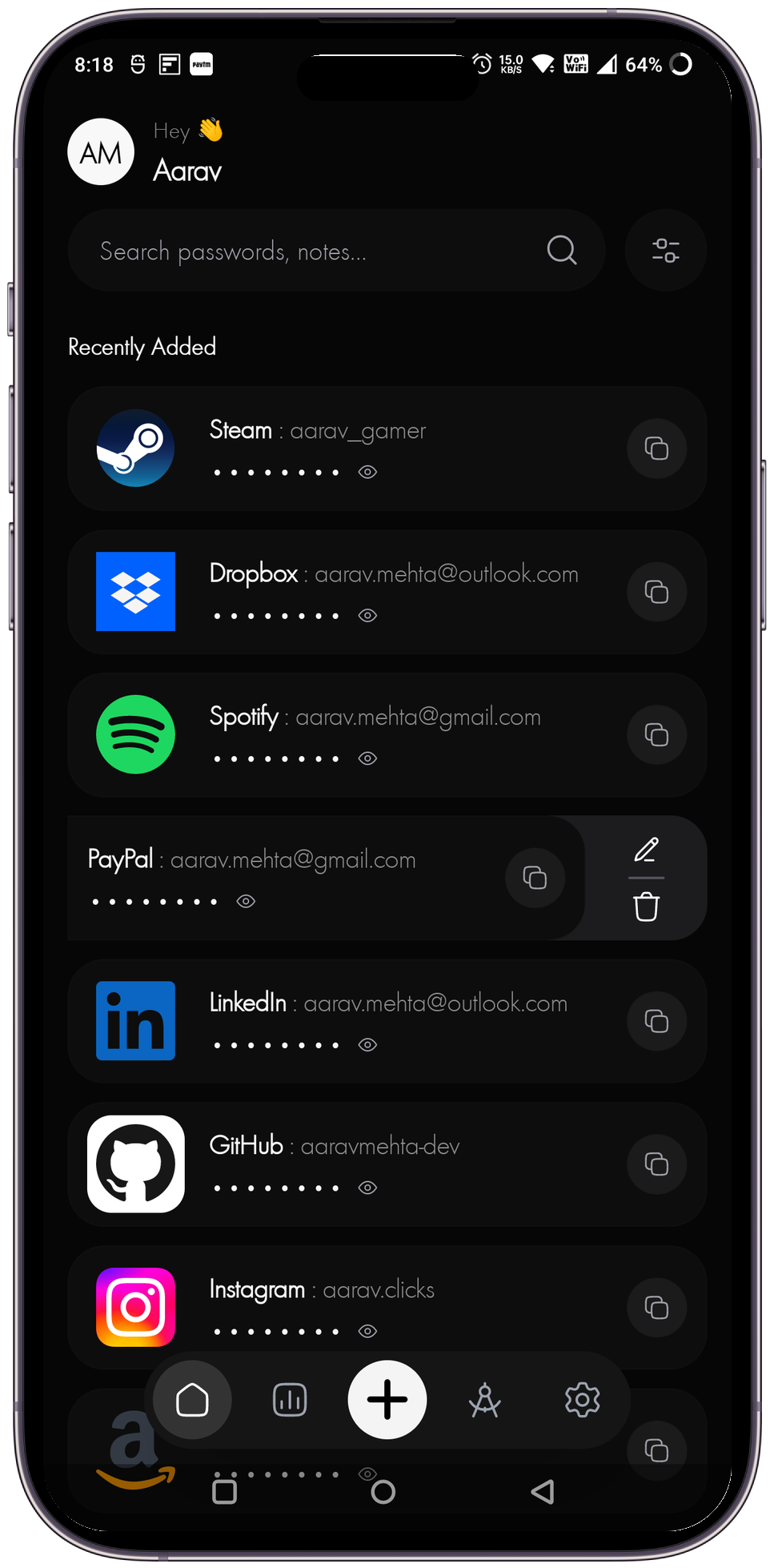
Organize your credentials effortlessly with custom categories, secure tags, and instant local search.
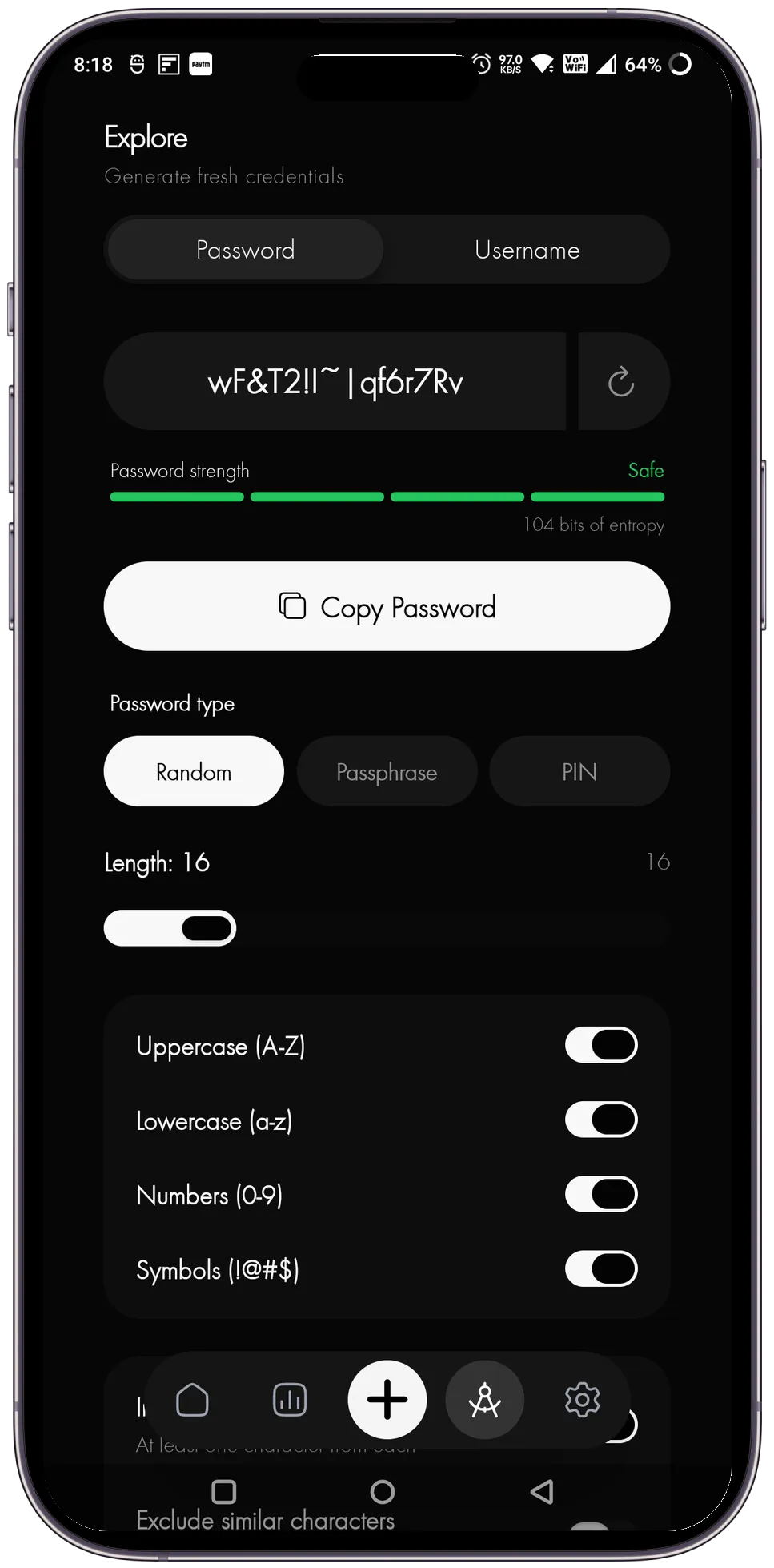
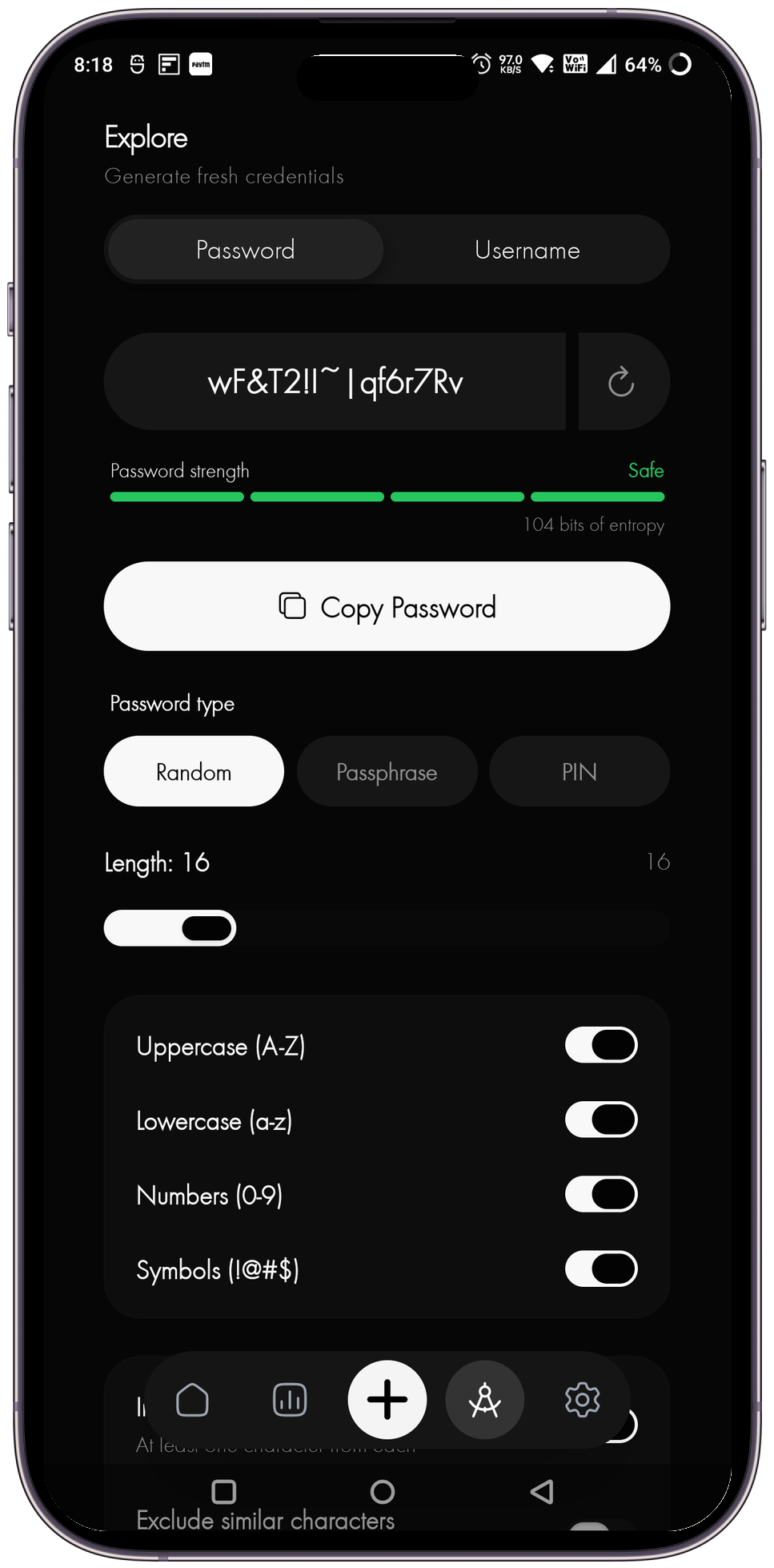
Advanced Tools
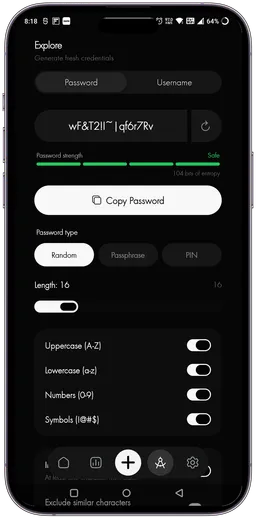
Generate ultra-secure passwords, check password strength, and manage encrypted backup keys.
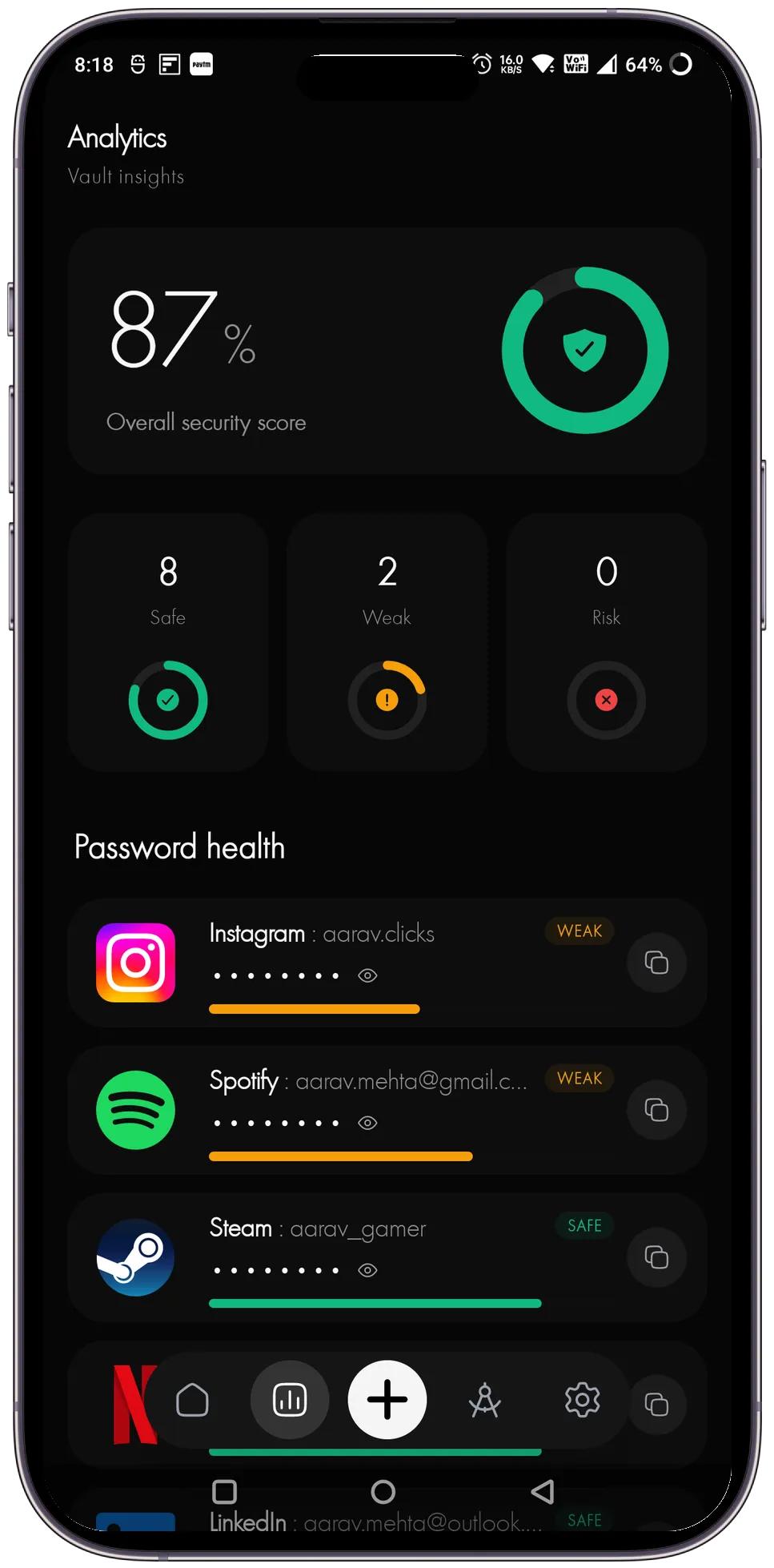
Security Audit & Health
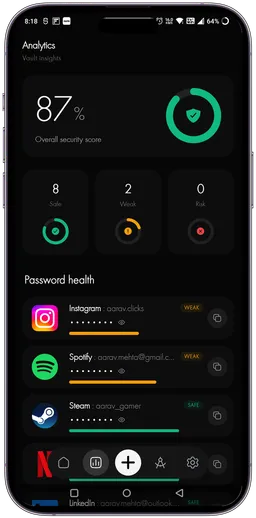
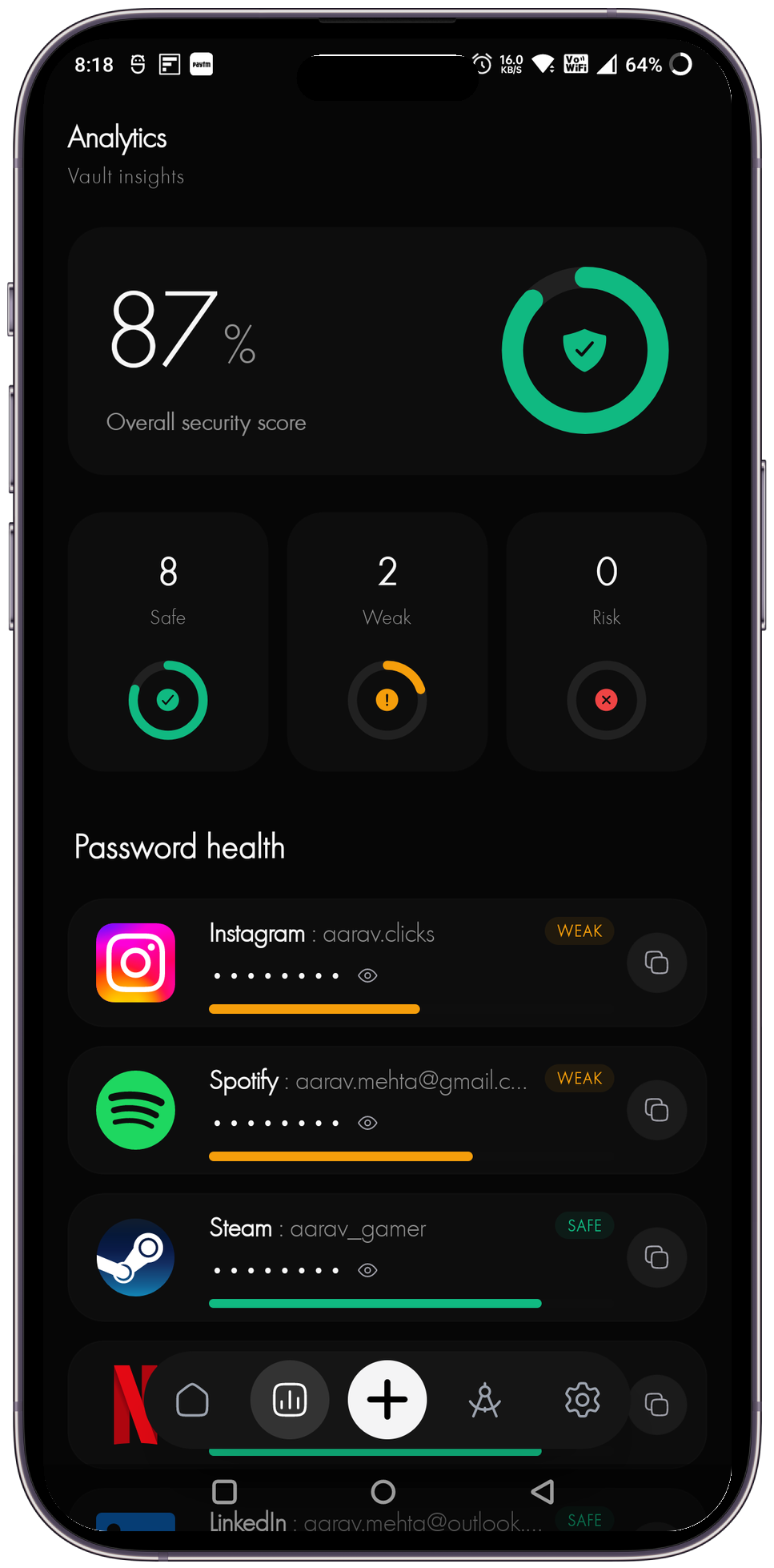
Monitor password reuse, identify weak credentials, and track vault health entirely on-device without external telemetry.
Simple Tools for Your Secure Password Manager
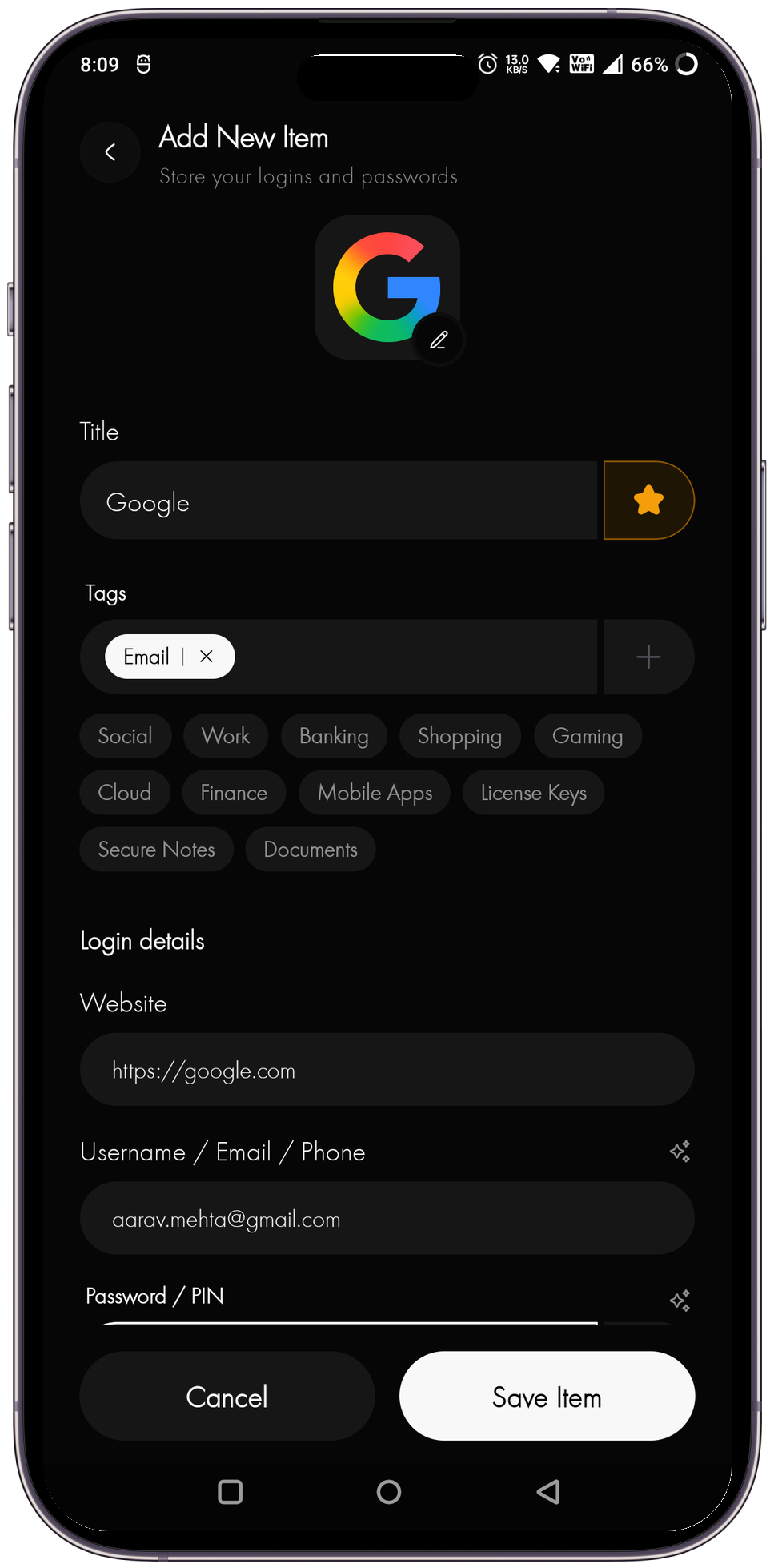
Save Login Details
Securely store your login credentials so you never have to remember a password again.
Organize Passwords
Keep your vaults structured and organized with intuitive tagging and folder systems.
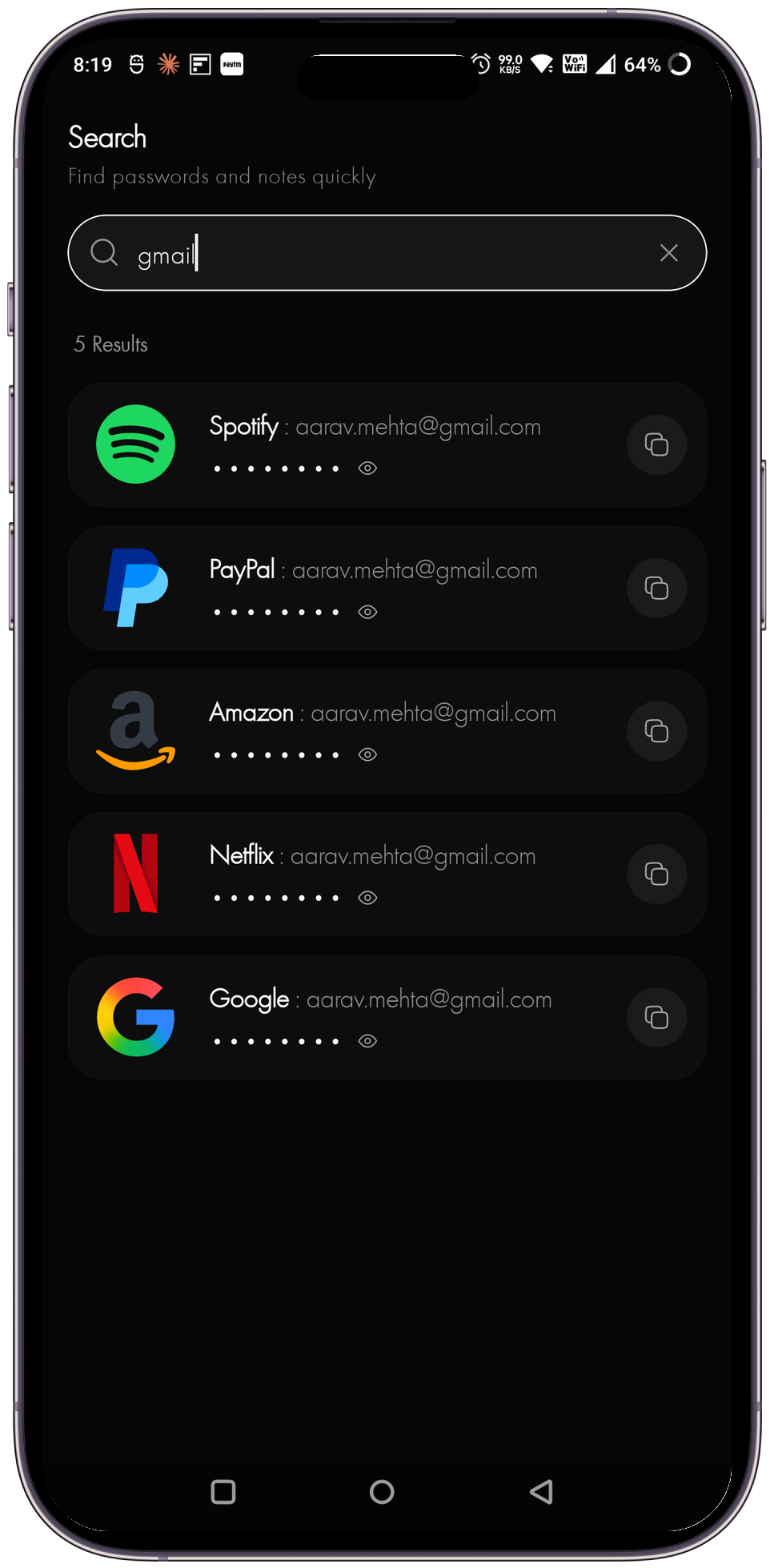
Search Quickly
Find exactly what you need in seconds with lightning-fast search capabilities.
Add Secure Notes
Store sensitive information like recovery codes, pins, and private notes safely.
Copy Password Safely
Easily copy passwords to your clipboard with built-in security to prevent exposure.
Lock Vault Automatically
Your vault secures itself automatically after a period of inactivity to ensure safety.
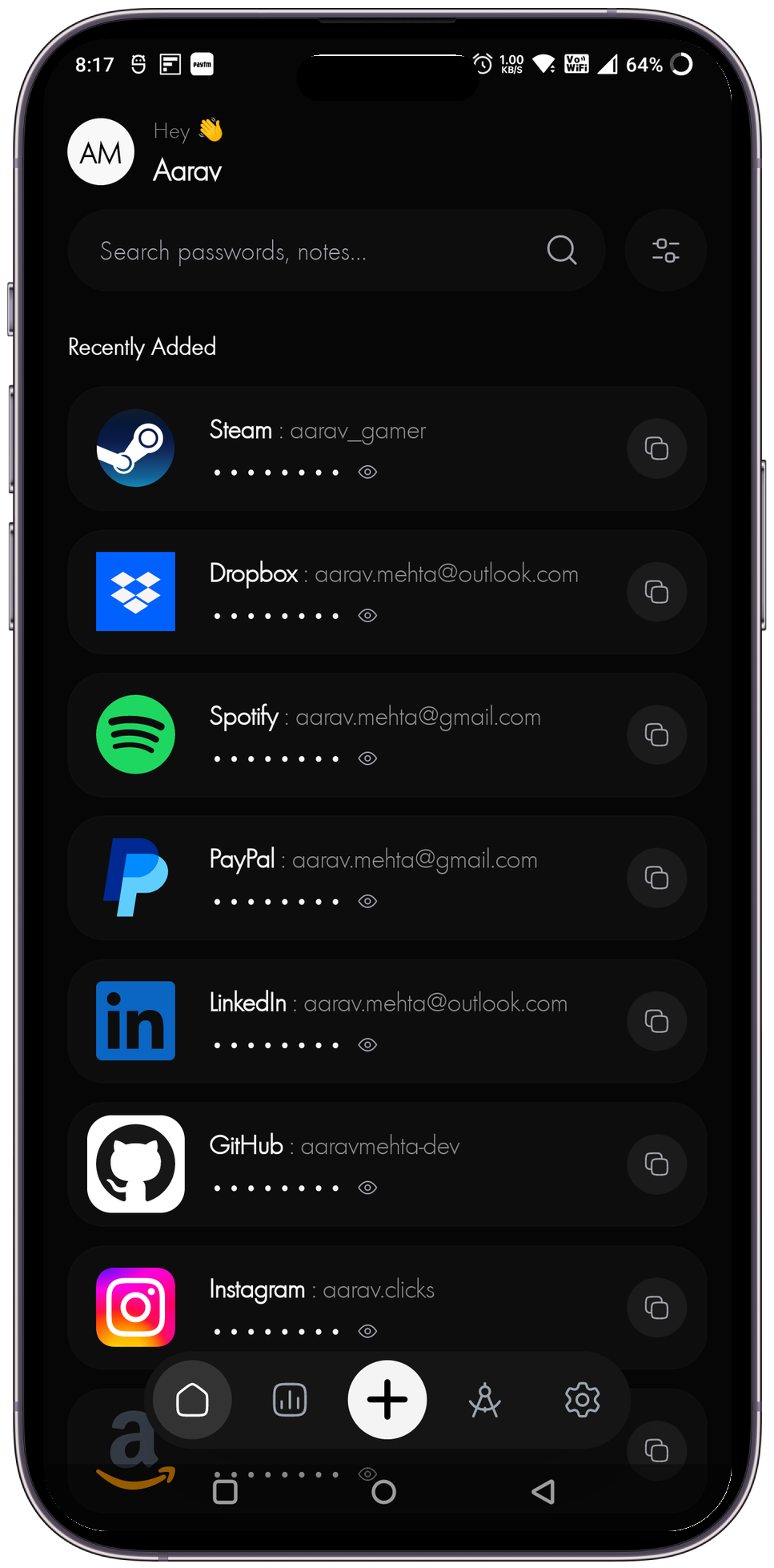
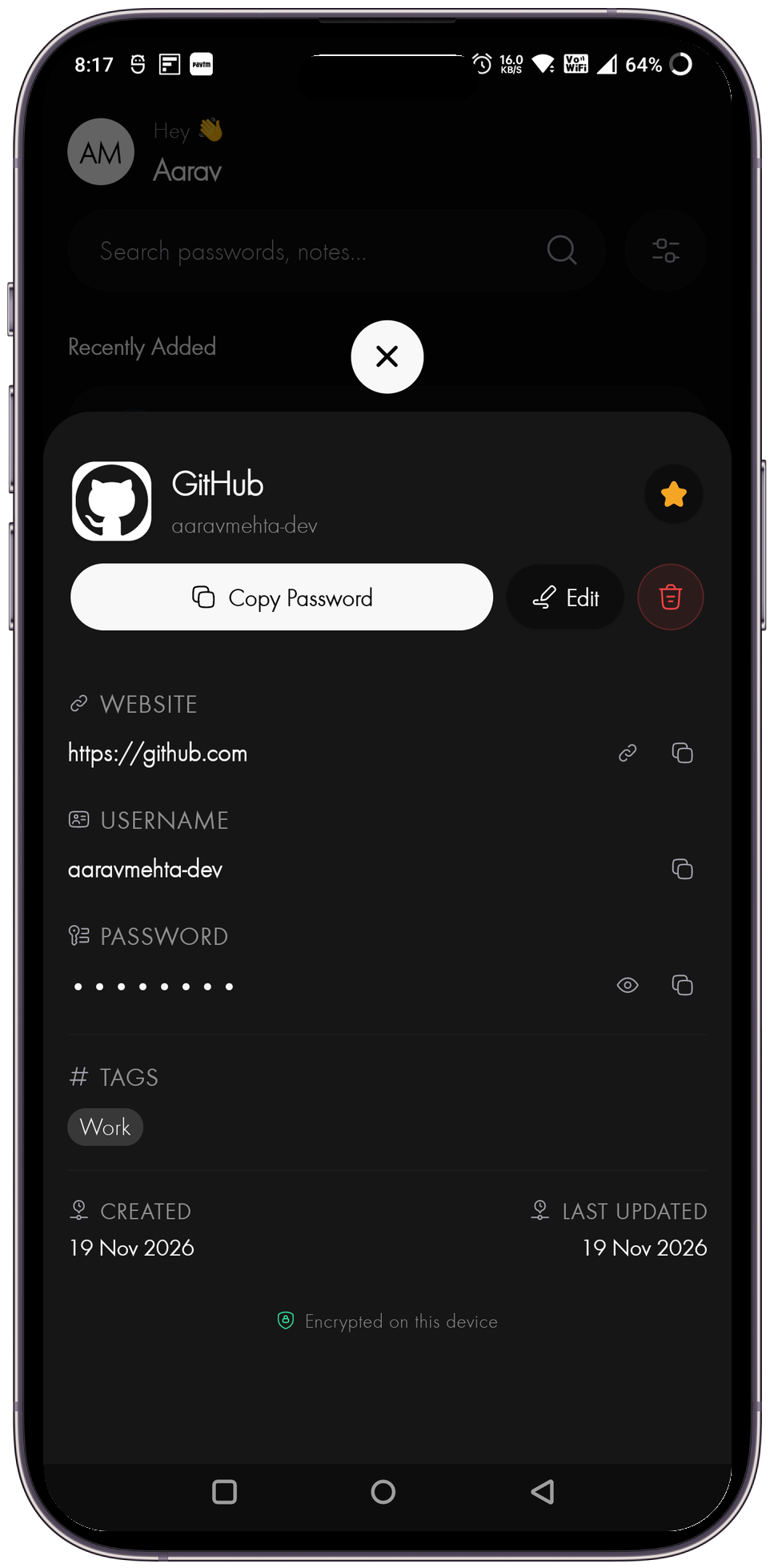
See Your Encrypted Vault In Action
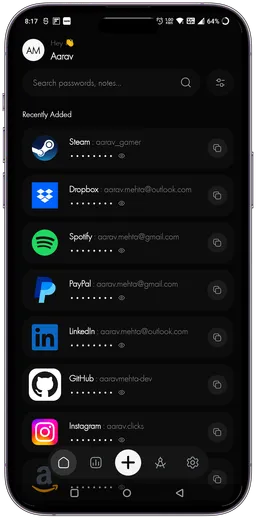
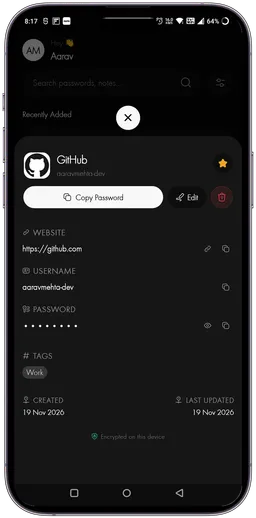
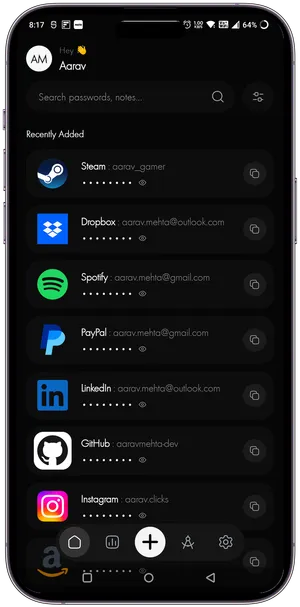
A clean, intuitive password manager interface designed to keep your credentials secure and accessible — fully offline with biometric unlock.
Password Security & Privacy Guides
Why Offline Password Managers Are Safer Than Cloud Vaults
Discover the security advantages of keeping your passwords strictly offline and why Keyden is the ultimate zero-knowledge solution.

Best Practices for Securing Your Digital Identity in 2026
Protecting your online presence requires more than just strong passwords. Learn the top strategies to keep your digital identity secure.

Biometric Authentication vs. Traditional Passwords: Which is Better?
Explore the pros and cons of biometric unlock versus traditional passwords, and how Keyden leverages both for maximum security.